
Previous article: Open memoQ for the first time
To check out one of Venga's projects, follow the steps below:
- Click either Check Out From Server or Check out a project from a memoQ server:

- Enter the server URL and click the checkmark button:

- If prompted for your username and password, enter them and click OK:

- Here, you will see all Active projects assigned to your user. Click the project that you wish to check out:

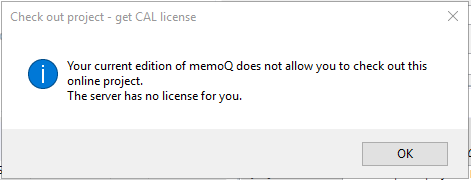
- Note that if you don't have any Active projects assigned to you in the connected server, you will receive the following message:
- Click Check out project:

- Once the project is checked out, Project home will appear, where you can double click documents to open them for translation:

Next article: Set up spell checker for your language
0 Comments