
Previous article: Download the correct version of memoQ
Once the download completes, please follow these steps:
- Locate the downloaded file, double click to open, and click Yes:

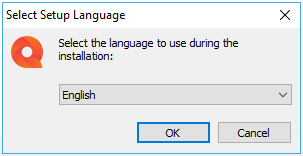
- Select language (English recommended for increased support) and click OK:
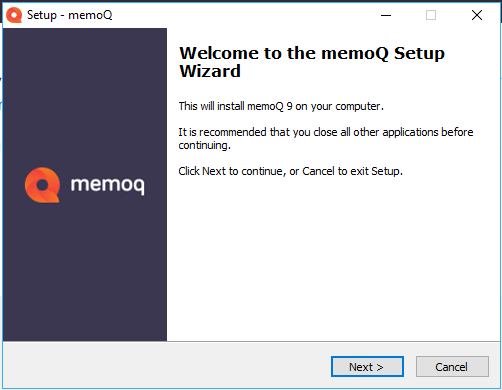
- Click Next:
- Accept agreement and click Next:

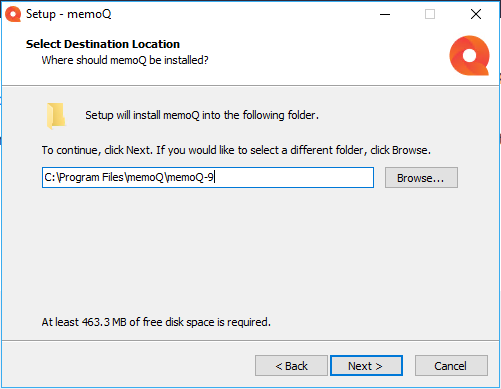
- Decide to use the default install location or select a custom one, and click Next:
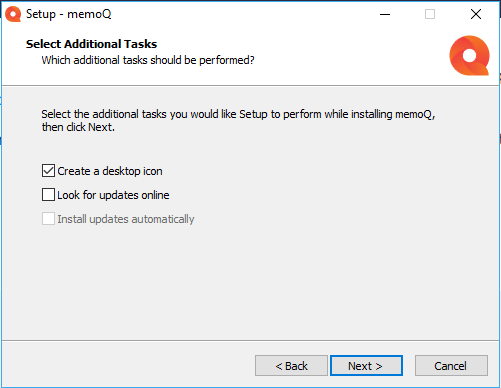
- Uncheck Look for updates online and Install updates automatically, and click Next:
- Once installation completes, click Finish:

Next article: Open memoQ for the first time
0 Comments