
Perform the following steps to update memoQ:
- Click the memoQ tab

- Click Check for Updates

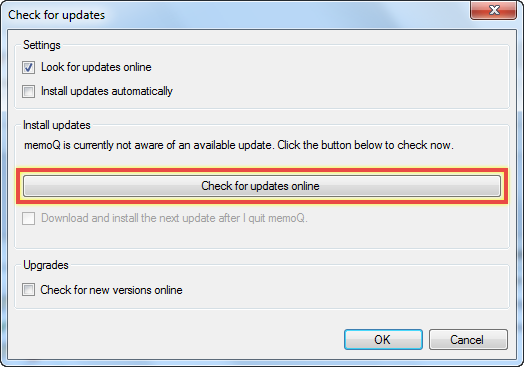
- Click Check for updates online (if the button is grayed out, skip to step 5)
- memoQ will check for updates
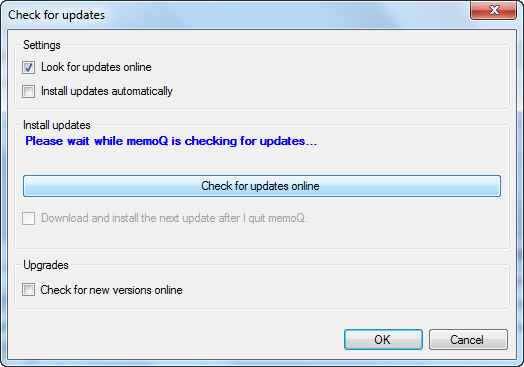
- Tick the checkbox labeled "Download and install the next update after I quit memoQ" and click OK

- Close memoQ
- The memoQ Updater window will appear automatically and download and install the update

- Once the update has finished installing, click Finish

- Reopen memoQ and continue with your work
0 Comments